
Enter an error code to view the result
Matching entries show the stored product series and short description.
Siemens · Error codes
Siemens MICROMASTER error codes: search for a code and read its message, meaning and series reference.
We trade industrial components and are not a service partner of Siemens. These codes provide initial orientation.*
Enter a code to display its stored series reference and short description. Consult the manufacturer documentation for the exact meaning and every further step.
Matching entries show the stored product series and short description.
Enter the code displayed by your Siemens MICROMASTER device. The search shows the recorded message, meaning and associated series.
For the exact interpretation and all further steps, the manufacturer documentation for the complete type number, version, hardware and firmware status is authoritative.
Example codes from the database. Select a code to open it in the search above.
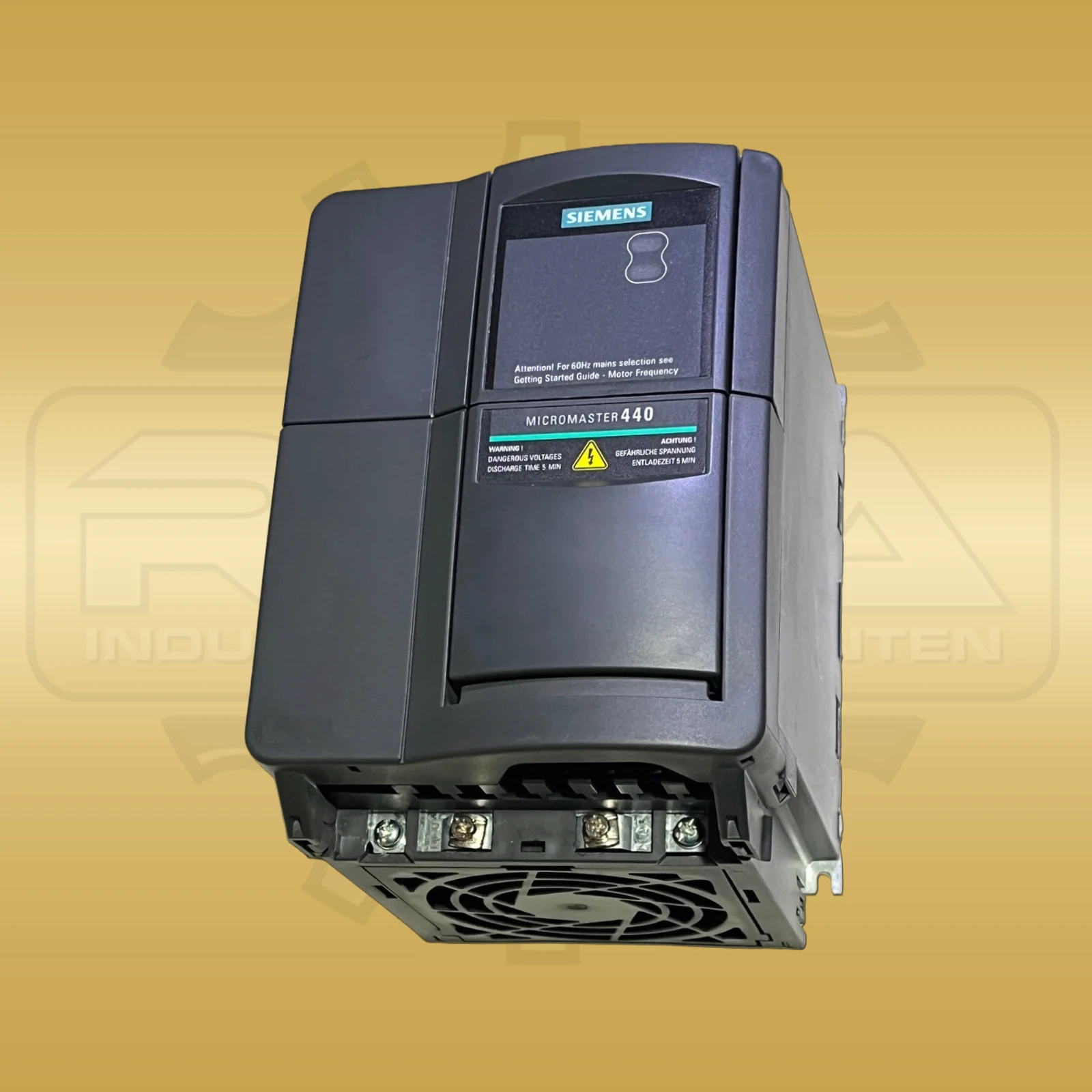
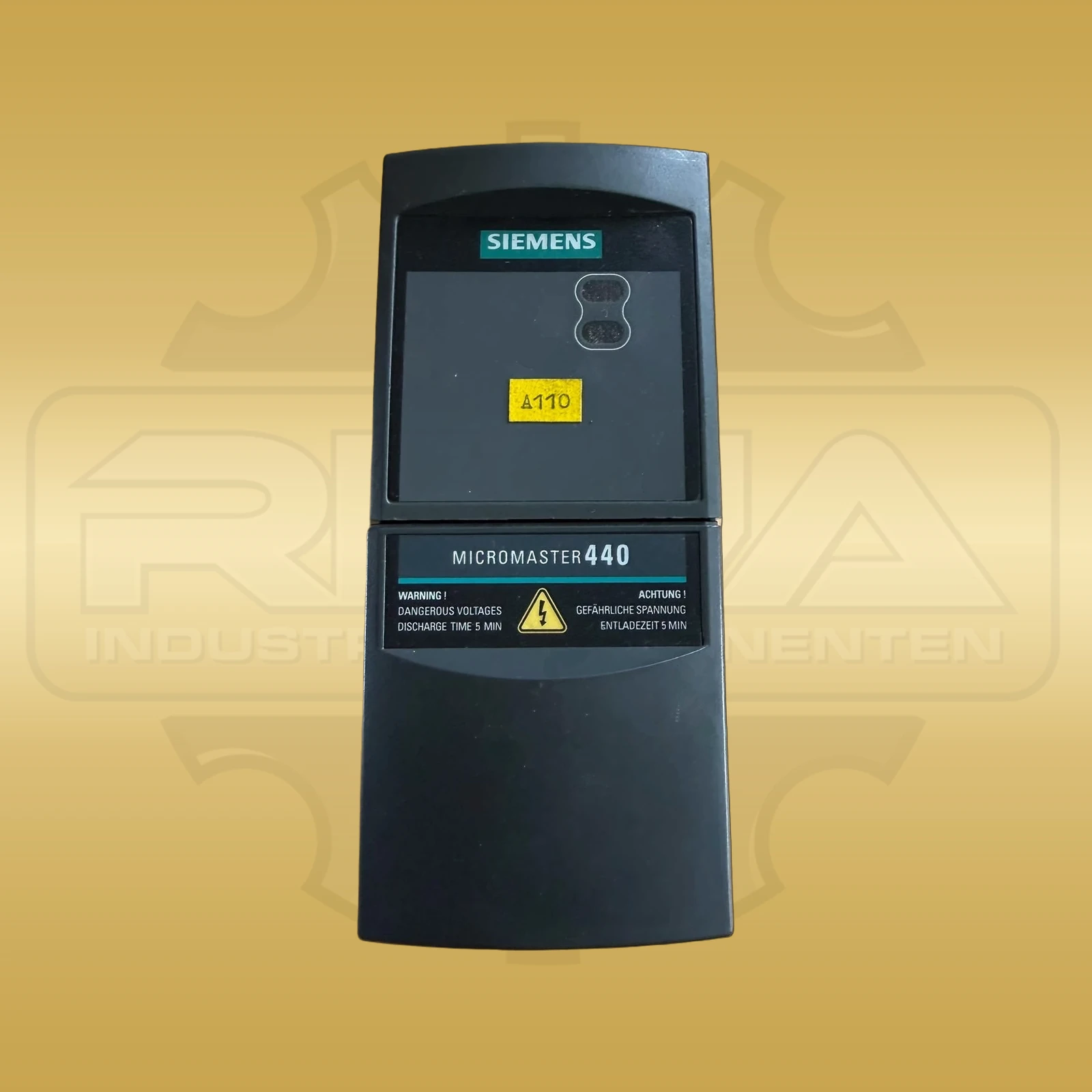
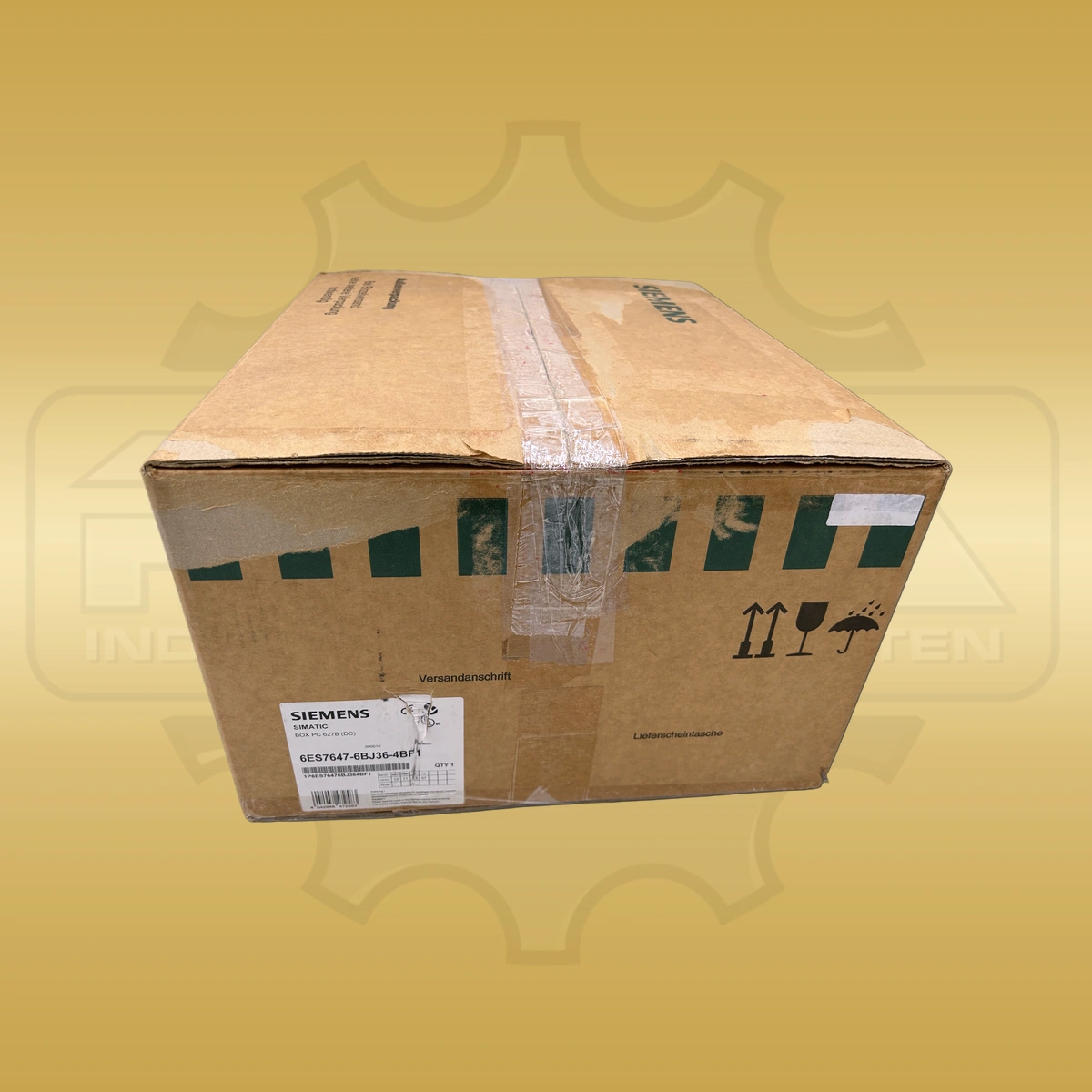
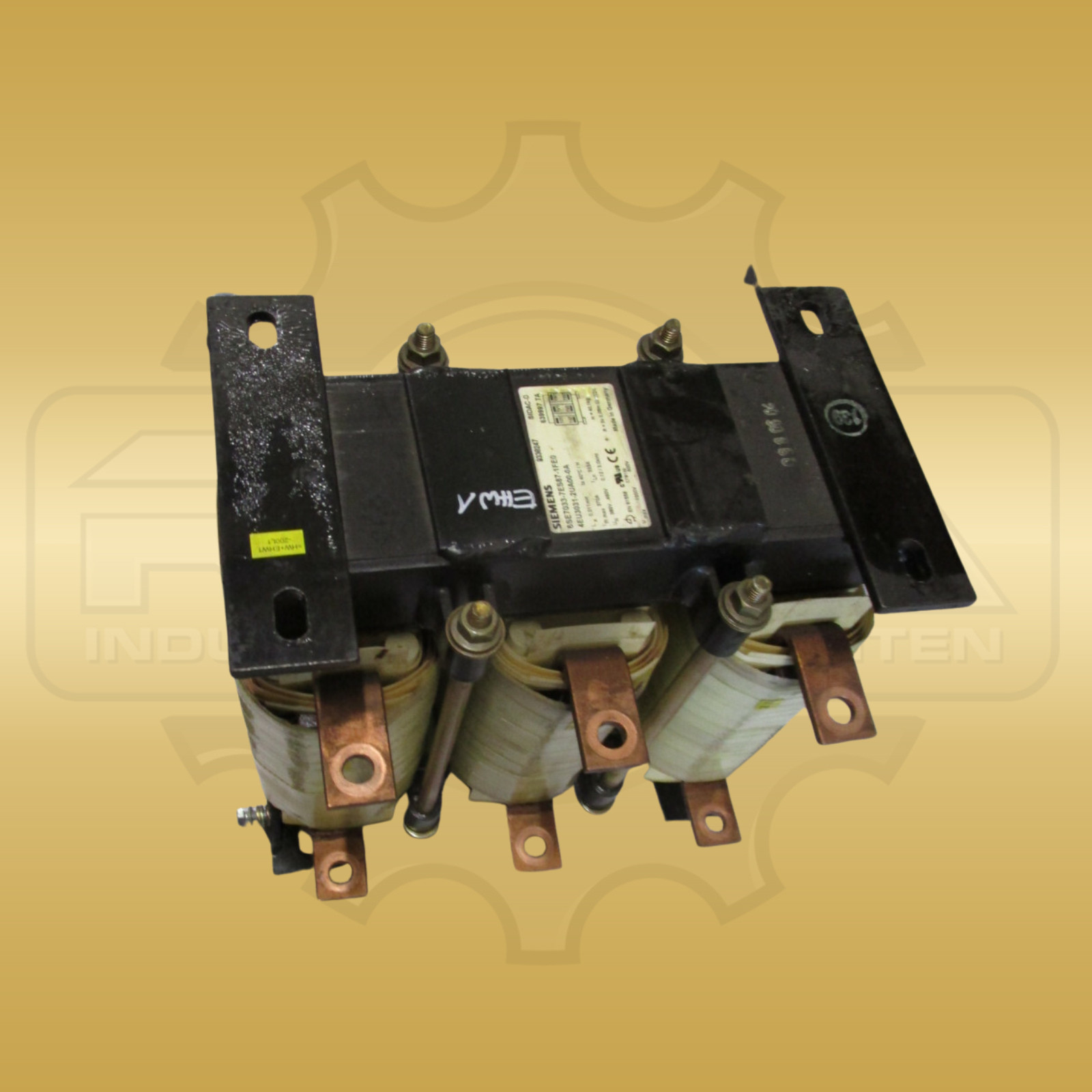
If the device needs replacing, you can find products from this series here. The complete type number of your device is essential when selecting a component.
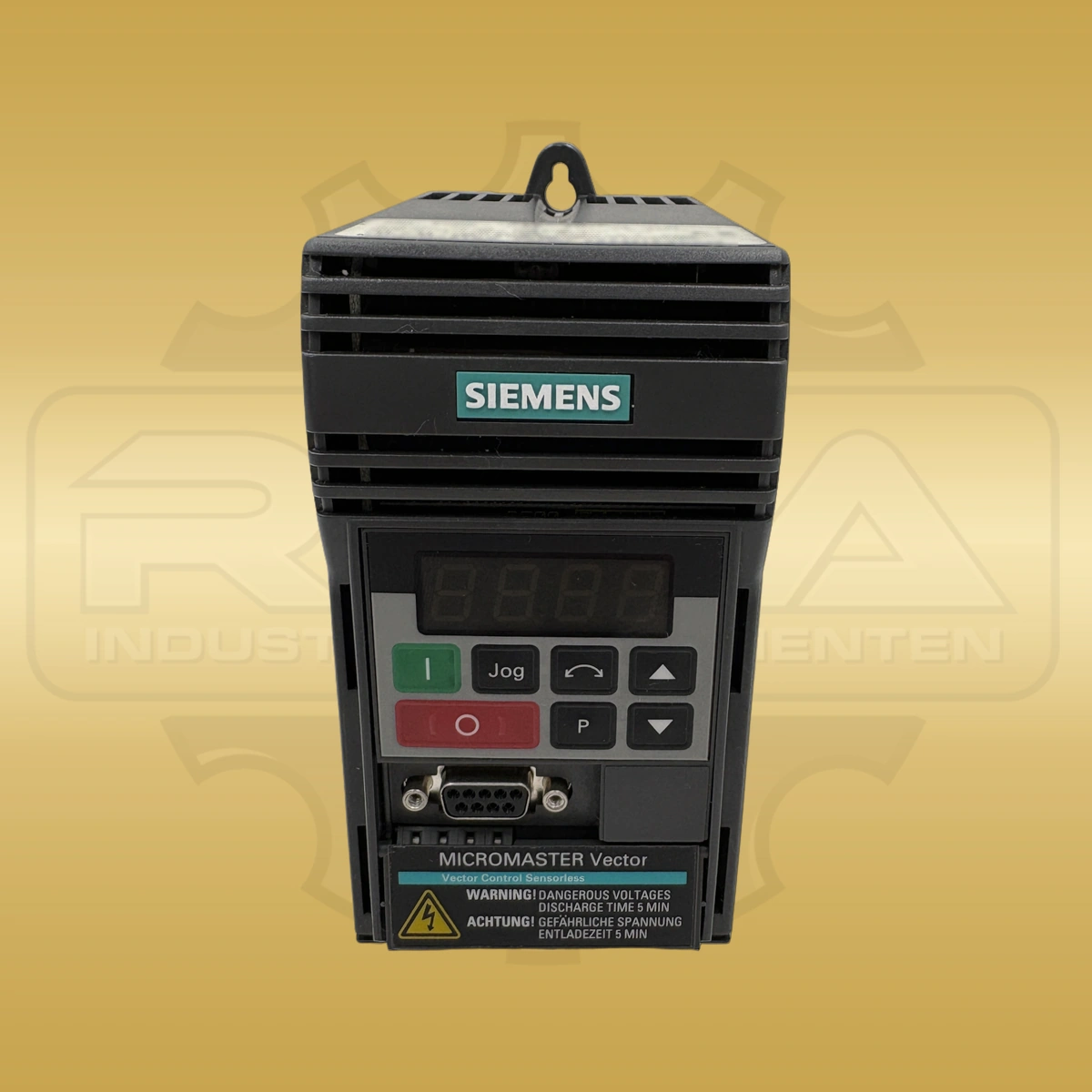
€2,540.00
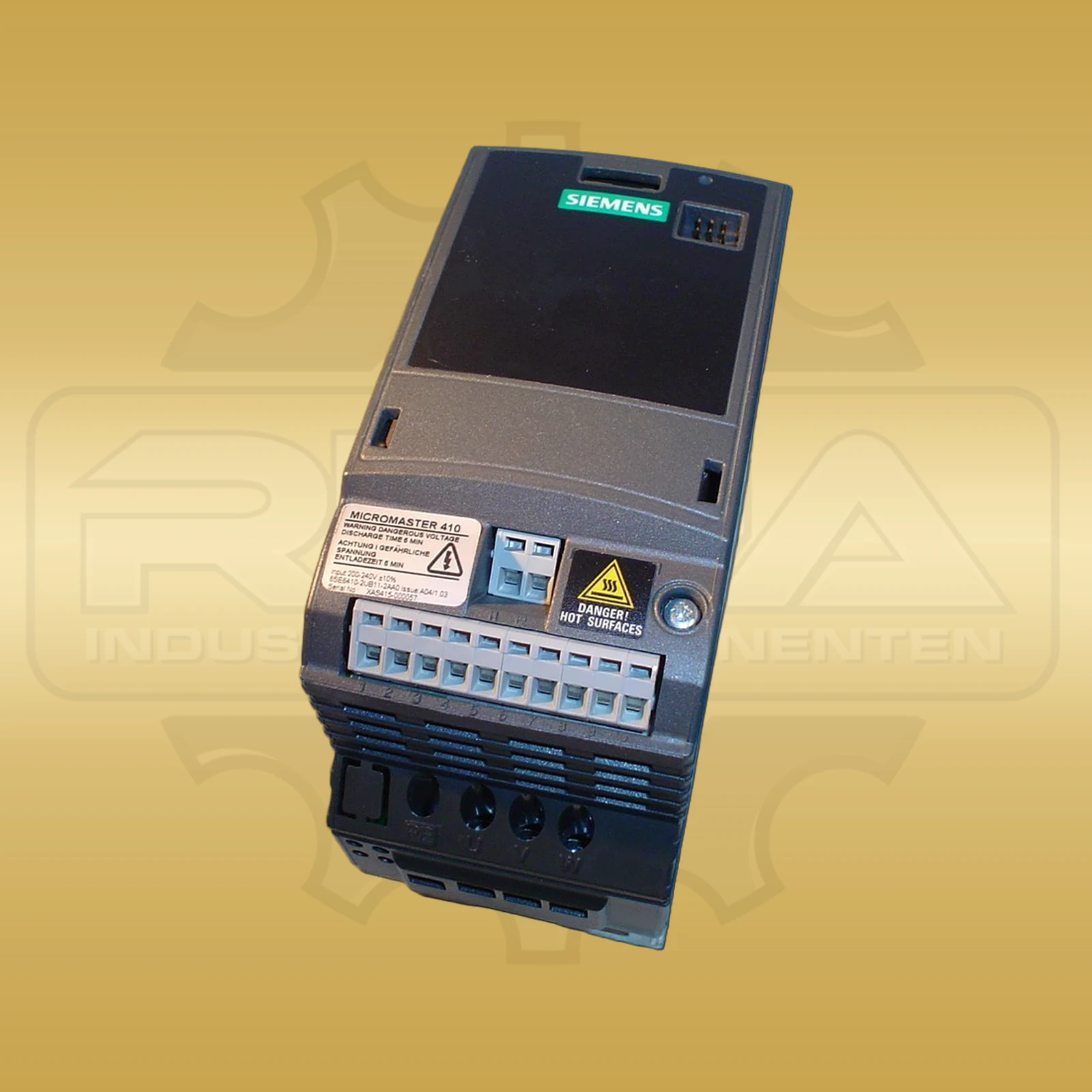
€190.00
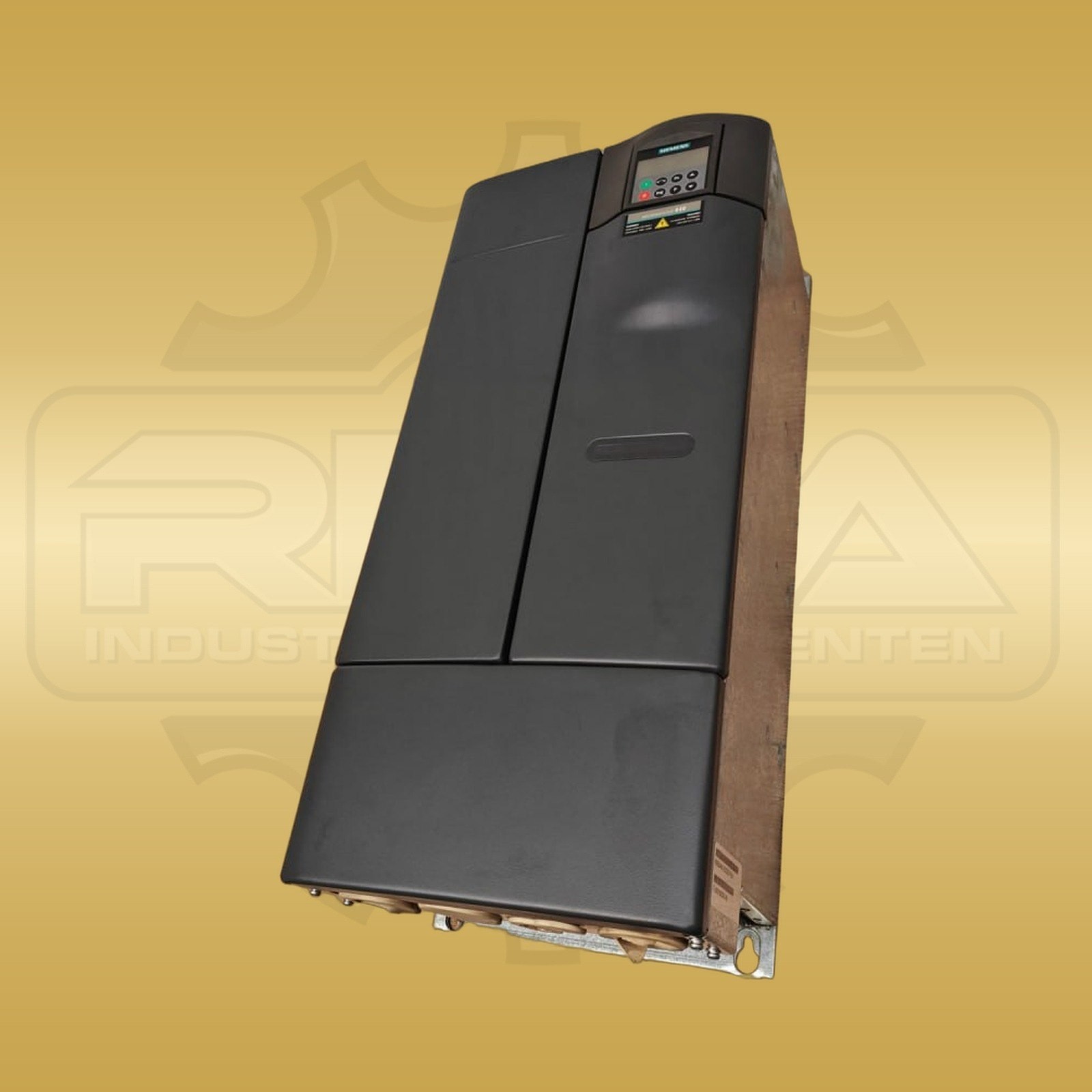
€2,930.00
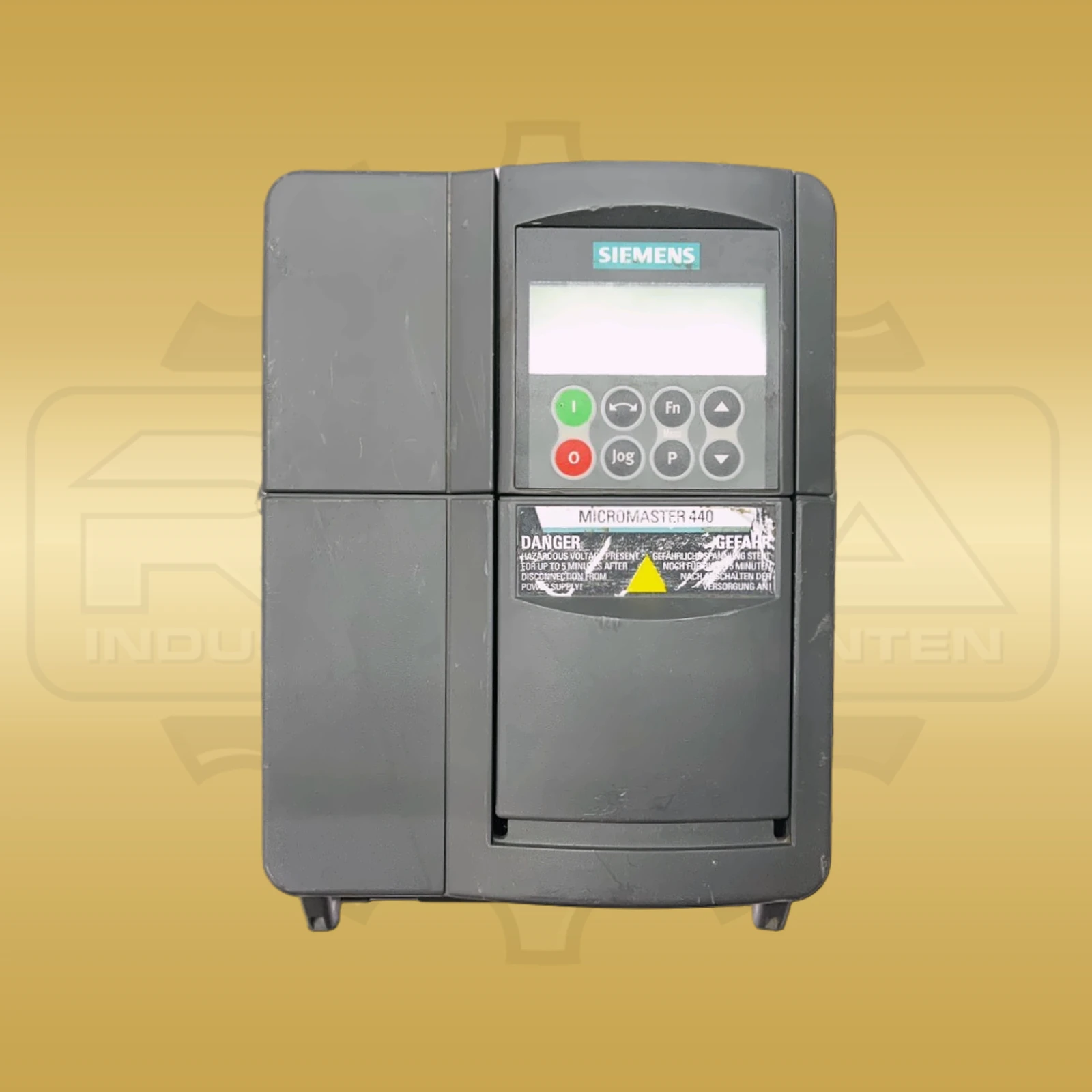
€670.00
€570.00
€490.00
Products from our range. The complete type number of your device is essential when selecting a component.
€2,410.00
€400.00
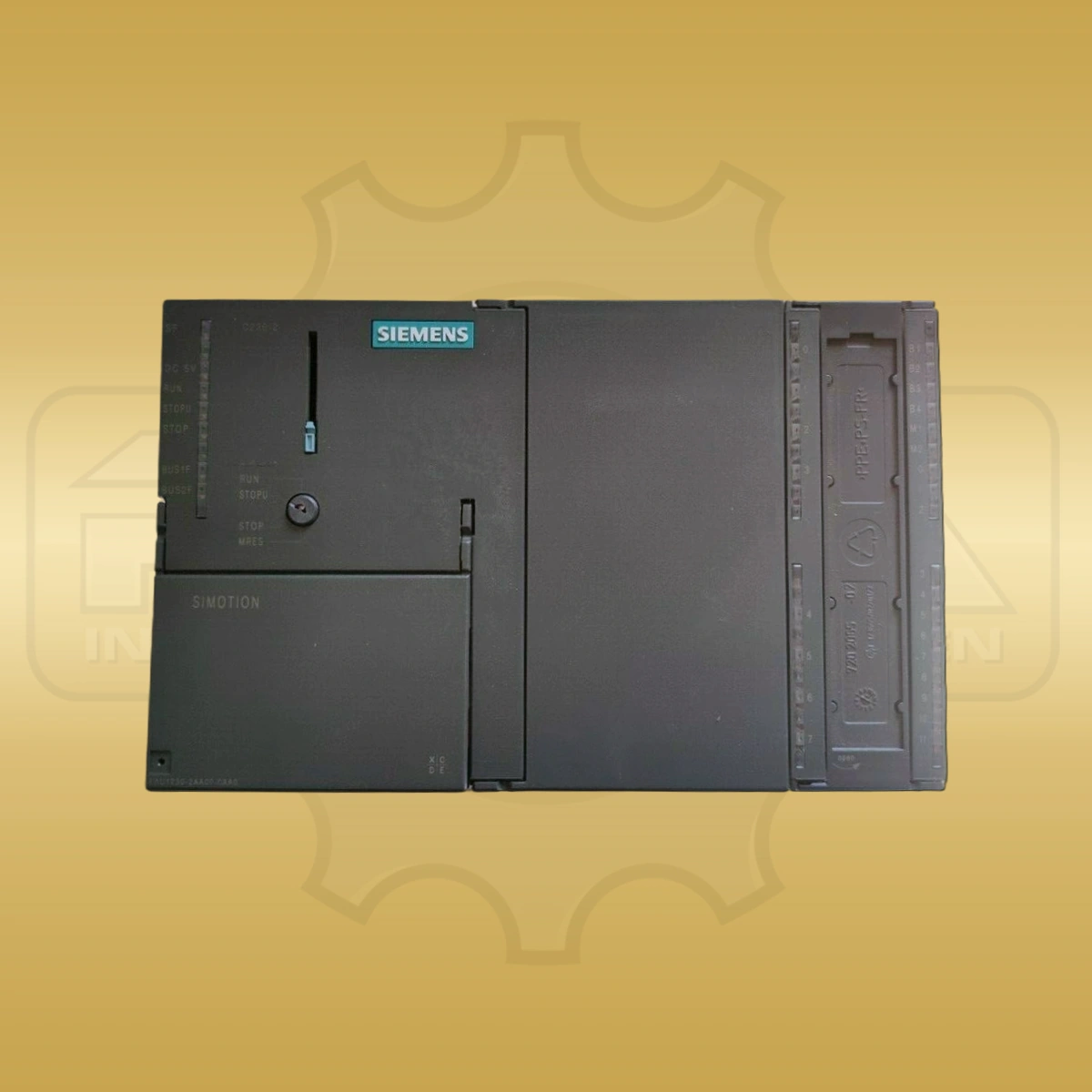
€2,110.00
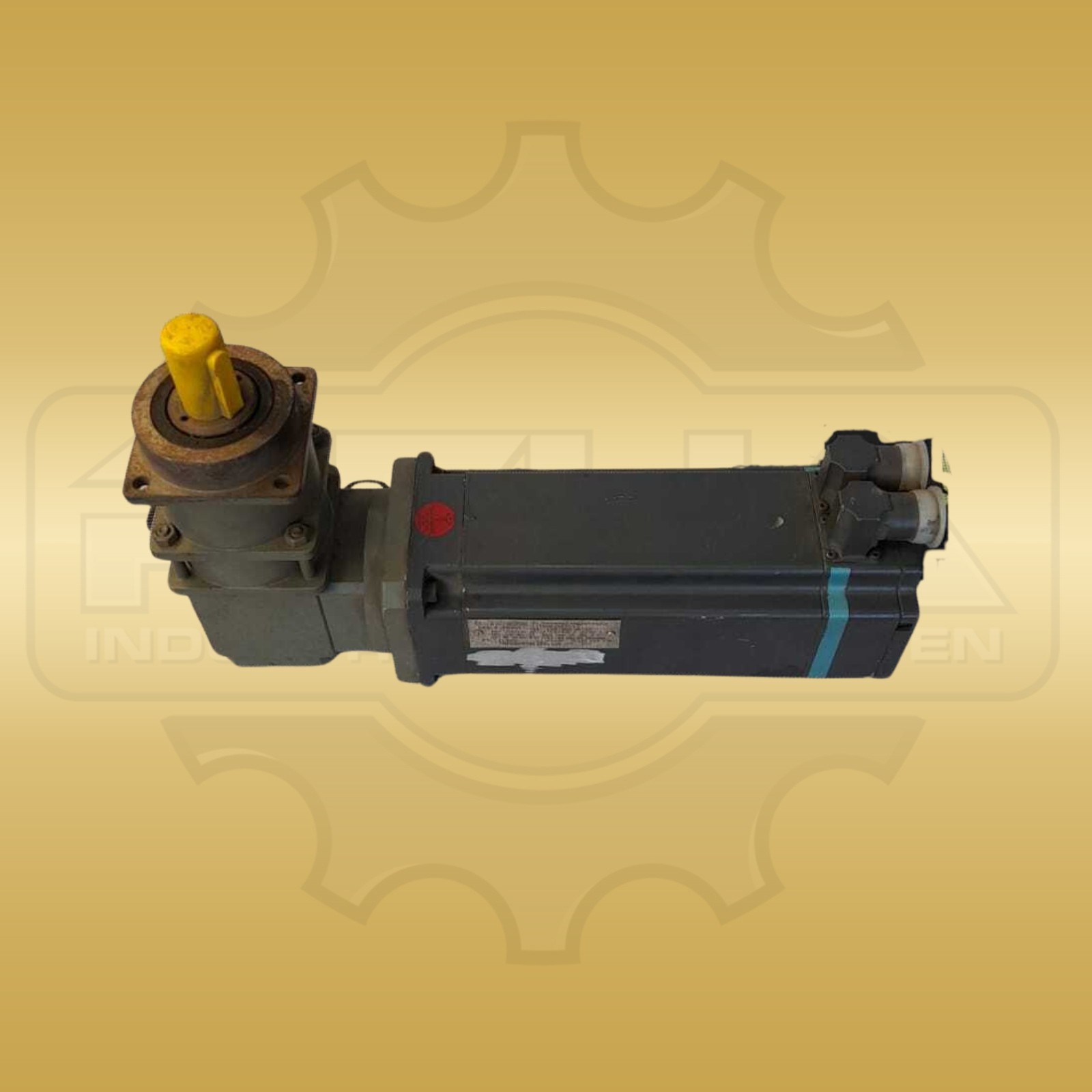
€1,840.00
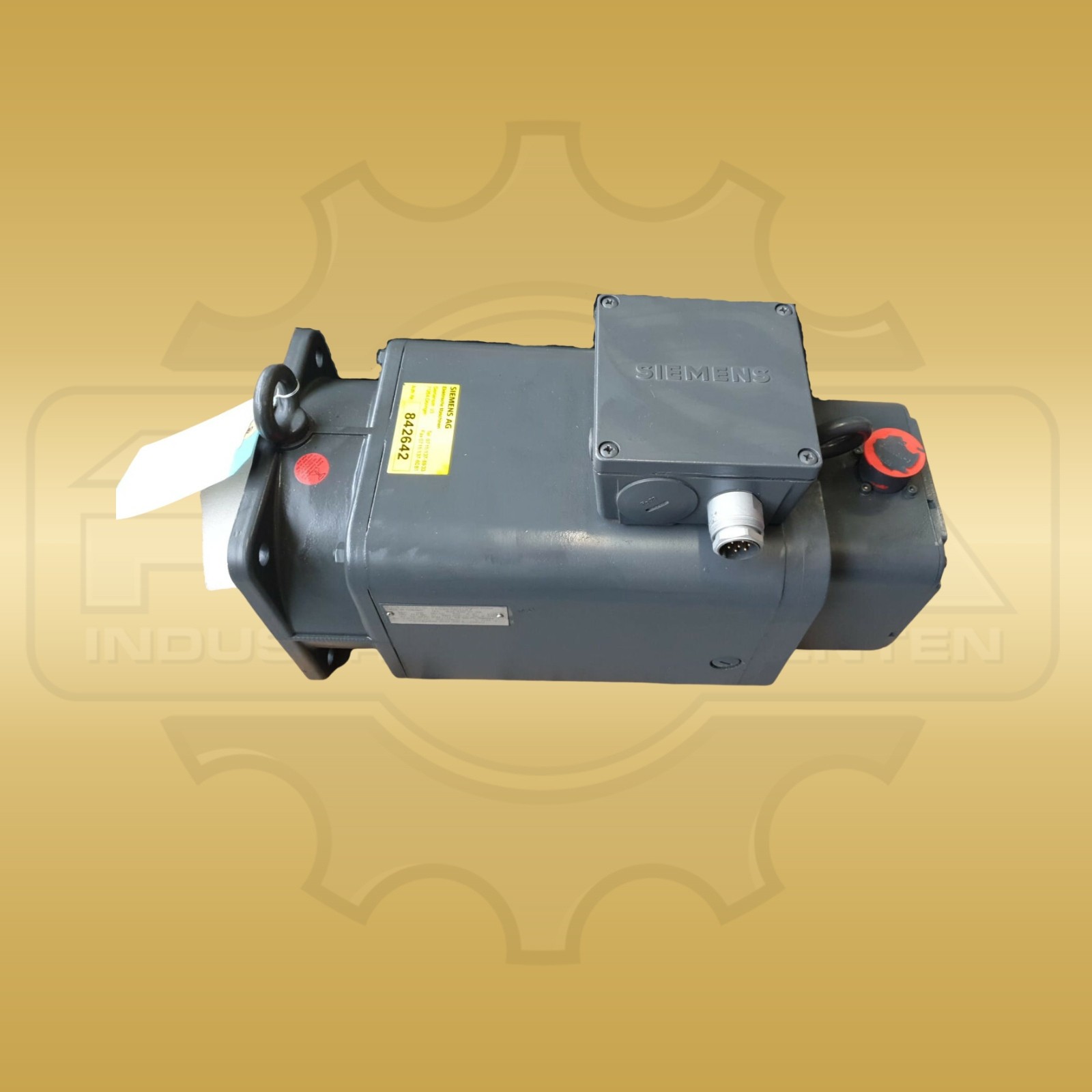
€850.00
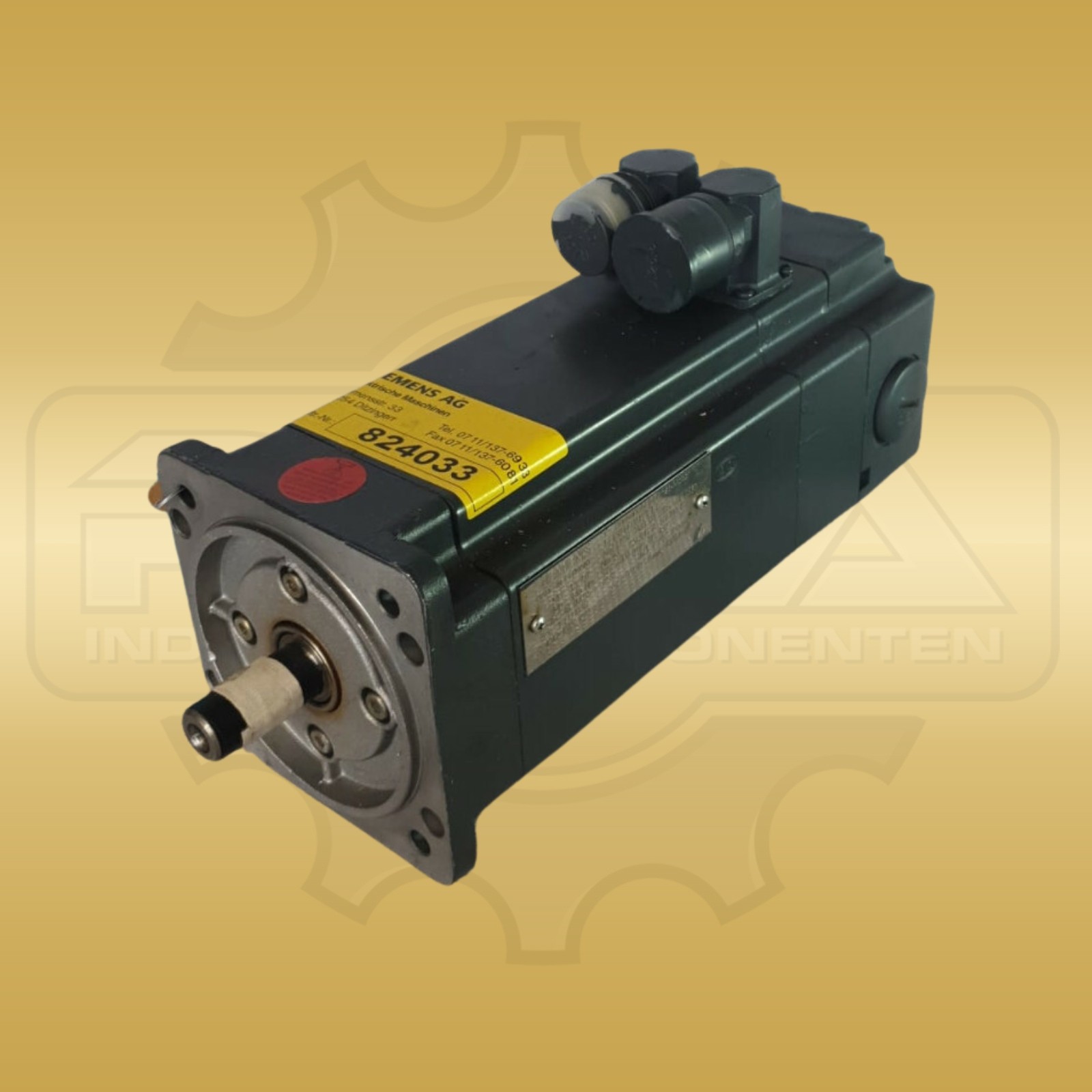
€1,080.00
Key series have their own pages, showing only the codes for that product family.
* REHA-Industriekomponenten e.K. trades new and used industrial components. We are not a service partner of Siemens or a repair workshop. The error codes on this page provide initial orientation and do not replace technical advice.
Before working on the device, changing parameters or replacing a part, compare the information with the manufacturer documentation for the complete type number, version and firmware. Work on the system must be carried out by qualified personnel.