
Enter an error code to view the result
Matching entries show the stored product series and short description.
Siemens · Error codes
Siemens SIMATIC Panel PC 677B error codes: search for a code and read its message, meaning and series reference.
We trade industrial components and are not a service partner of Siemens. These codes provide initial orientation.*
Enter a code to display its stored series reference and short description. Consult the manufacturer documentation for the exact meaning and every further step.
Matching entries show the stored product series and short description.
Enter the code displayed by your Siemens SIMATIC Panel PC 677B device. The search shows the recorded message, meaning and associated series.
For the exact interpretation and all further steps, the manufacturer documentation for the complete type number, version, hardware and firmware status is authoritative.
Example codes from the database. Select a code to open it in the search above.
| Code | Series | Message | Meaning |
|---|---|---|---|
| Keyboard error | SIMATIC Panel PC 677B – BIOS (06/2008) | Keyboard message at system startup | The BIOS reports an error related to the connected keyboard. |
| 16H | SIMATIC Panel PC 677B – POST (06/2008) | Check BIOS checksum | The self-test verifies the BIOS checksum. |
| 3x short | SIMATIC Panel PC 677B – Beep (06/2008) | Insert key detected at startup | The INSERT key was pressed during system startup; onboard device installation is skipped and onboard graphics are used as the default output. |
| Key seizure | SIMATIC Panel PC 677B – BIOS (06/2008) | Key held down continuously | The BIOS detects a key that does not return to its released position. |
| 28H | SIMATIC Panel PC 677B – POST (06/2008) | Determine DRAM size | The self-test determines the amount of DRAM. |
| 4x short | SIMATIC Panel PC 677B – Beep (06/2008) | Initial programming of MPI EPROM reported | The audible signal indicates the initial programming of the MPI EPROM. |
If the device needs replacing, you can find products from this series here. The complete type number of your device is essential when selecting a component.

€3,780.00
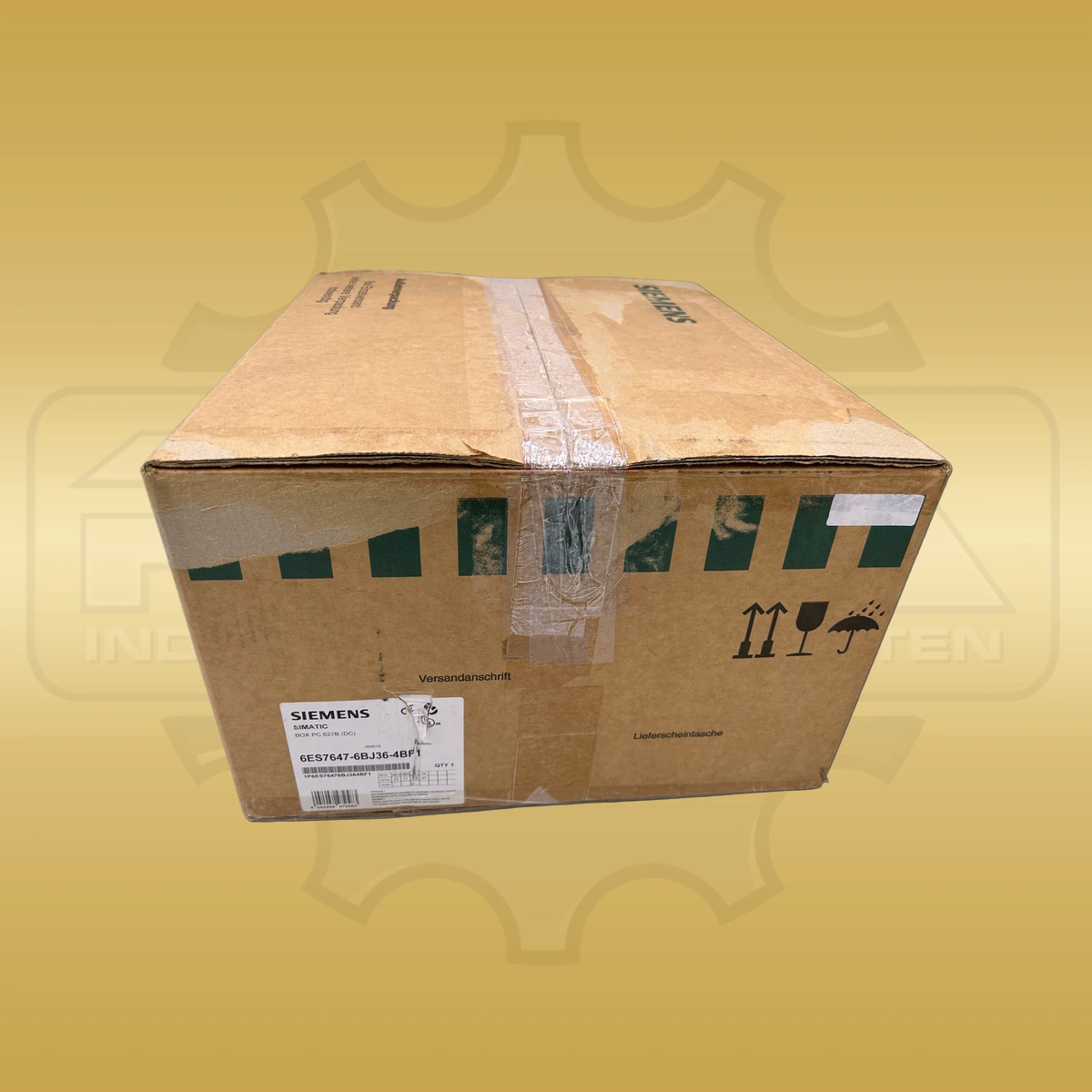
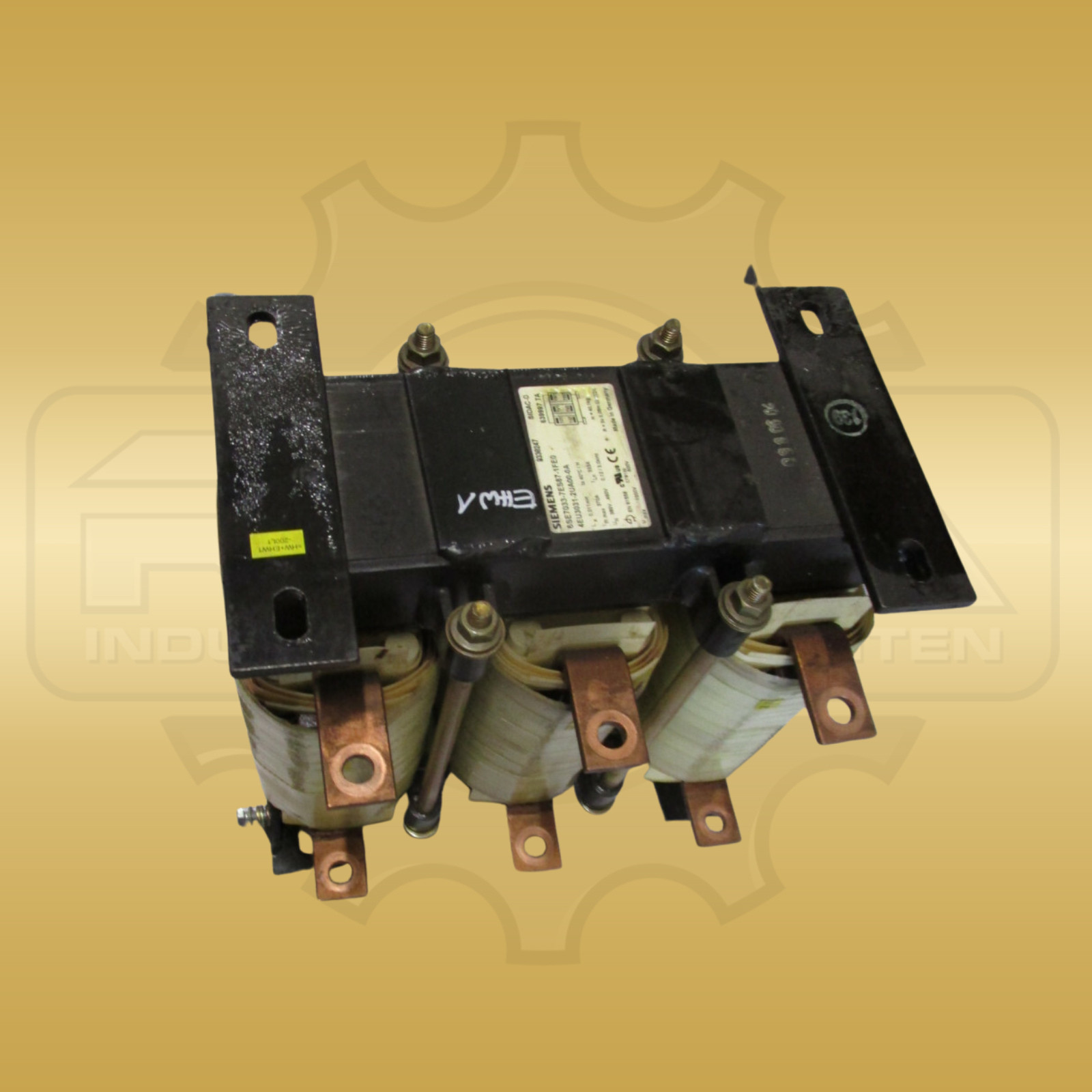
Products from our range. The complete type number of your device is essential when selecting a component.
€840.00
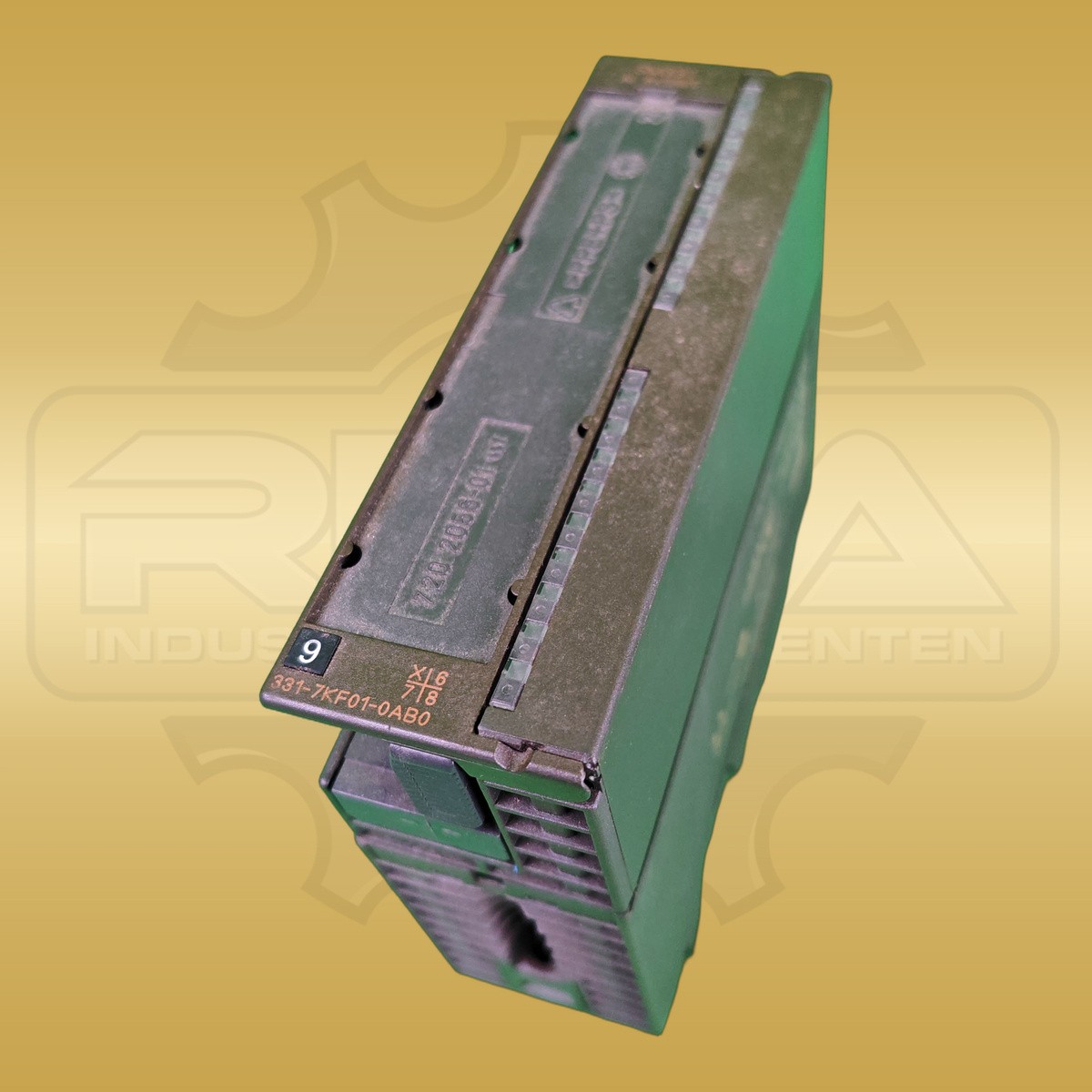
€100.00
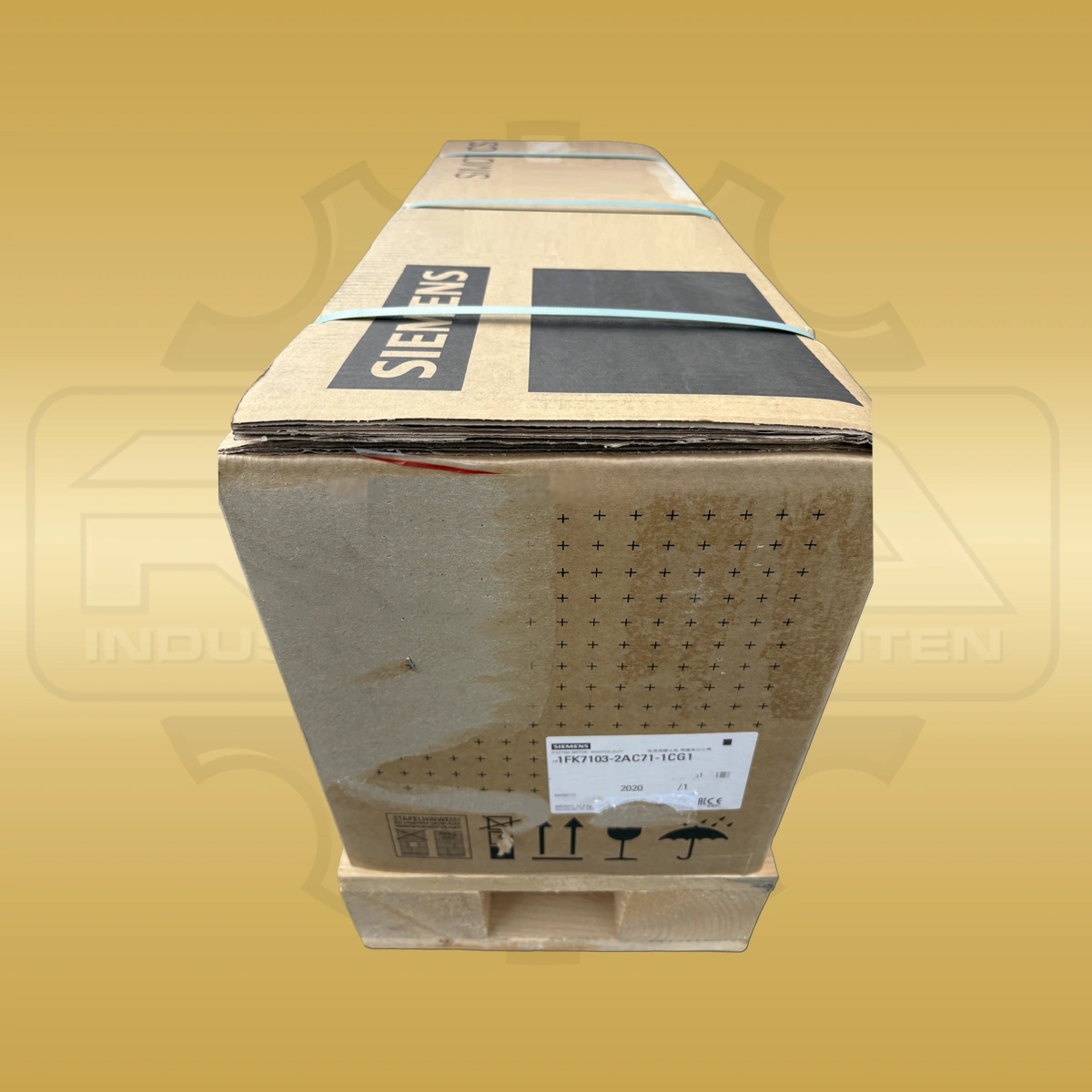
€2,610.00
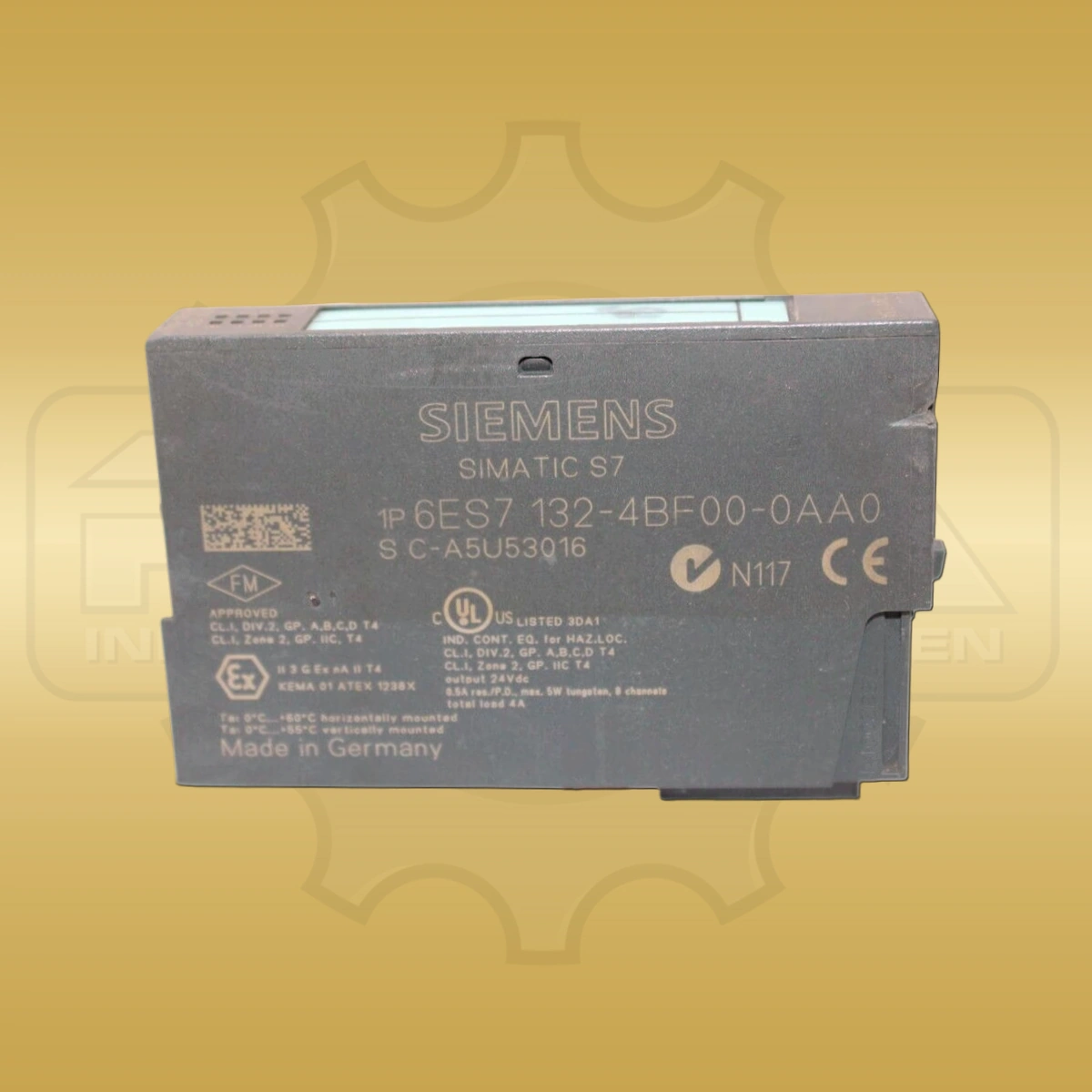
€160.00
€2,410.00
€400.00
Key series have their own pages, showing only the codes for that product family.
* REHA-Industriekomponenten e.K. trades new and used industrial components. We are not a service partner of Siemens or a repair workshop. The error codes on this page provide initial orientation and do not replace technical advice.
Before working on the device, changing parameters or replacing a part, compare the information with the manufacturer documentation for the complete type number, version and firmware. Work on the system must be carried out by qualified personnel.